tech
Your Smart TV Has Become Unbearably Slow? Don't Buy a New One, This Trick "Wakes It Up" in a Second
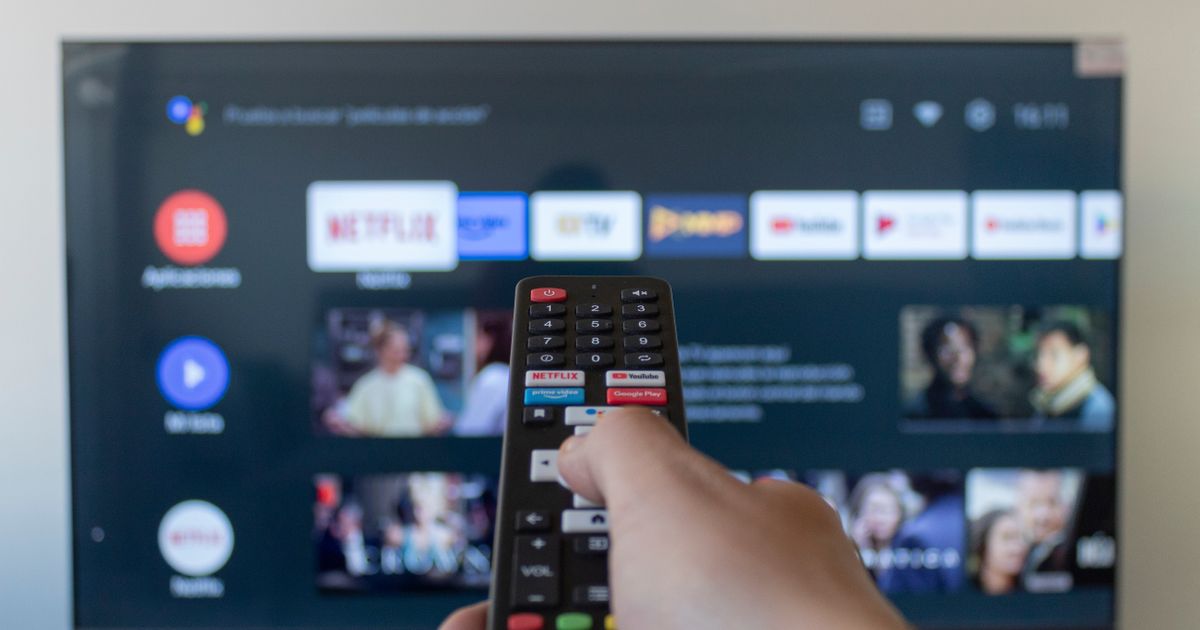
You bought a modern TV, paid a lot of money for it, and now it behaves like an old computer? Apps like Netflix or HBO load for an eternity, and the remote control reacts with a delay? Most users think the device is outdated, but the problem is that you've never actually turned off your TV. When you press the red button on the remote, you're just sending it to "sleep mode," while it continues to hold a lot of junk in its memory in the background.
TL;DR
- Smart TVs slow down because they are only put into sleep mode, not fully shut down, leading to accumulated digital waste.
- This 'junk' in the memory slows down the processor and can negatively affect internet connection speeds.
- A hardware reset can solve the problem; for Samsung/Sony, hold the power button on the remote until the manufacturer's logo appears.
- For other smart TV models, unplug the TV from the wall for at least 60 seconds to perform a full memory reset.
- To prevent future slowdowns, perform this reset weekly and regularly clear the cache for frequently used apps like Netflix and YouTube.