tech
March 2, 2026
How to 'Boost' Netflix Movies on a Tablet for Free: Settings That Hide the Secret
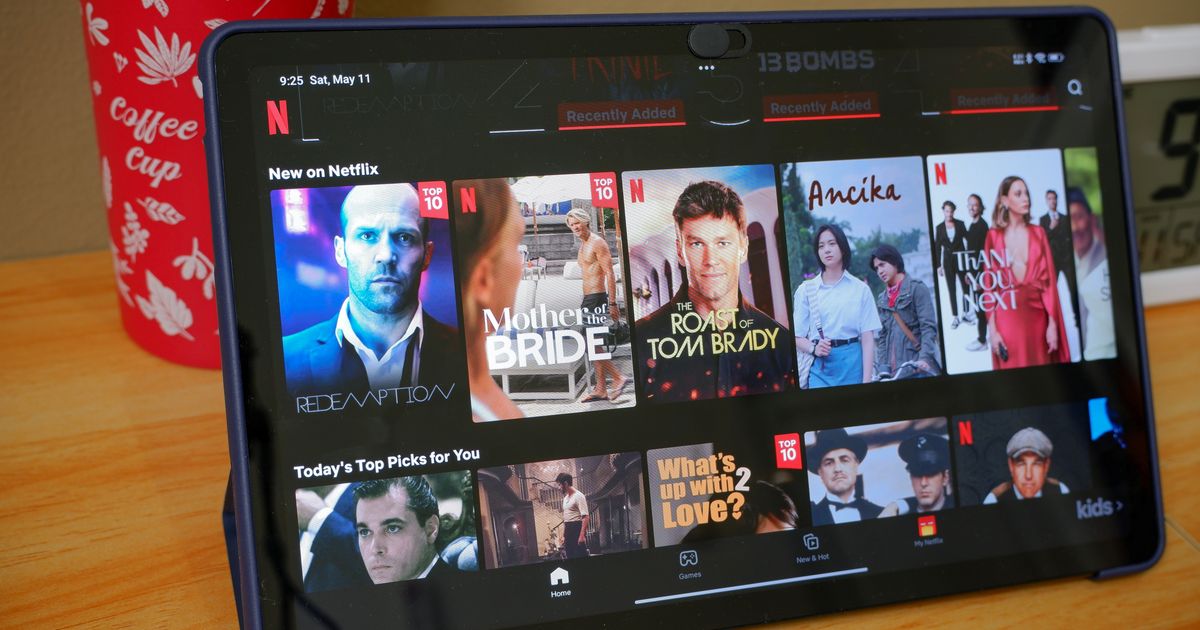
Many users consider watching movies on a tablet a poor substitute for a large television, but with a few free changes, your iPad can become a true mini-cinema. Although Netflix does not officially allow 4K resolution on Apple portable devices, there are hidden settings that can drastically improve picture and sound quality. These simple steps will allow you to enjoy your favorite series or new movie hits on a whole new level.
TL;DR
- Disable 'Reduced motion' and 'Frame limit' in iPad's Accessibility settings.
- Enable 'HDR Playback' in Netflix app's 'App Settings' for better colors and contrast.
- Download content for offline viewing to ensure a stable, high-bitrate stream without buffering.
- Activate 'Spatial Audio' on iPad Pro with compatible headphones for an immersive sound experience.
- Use the 'Control Nearby Devices' feature in iPhone's Accessibility settings to control your iPad remotely.
- Enable 'Do Not Disturb' mode to avoid interruptions from notifications.