tech
March 10, 2026
Your iPhone Keeps You Awake: Turn on These Options and Fall Asleep in 5 Minutes
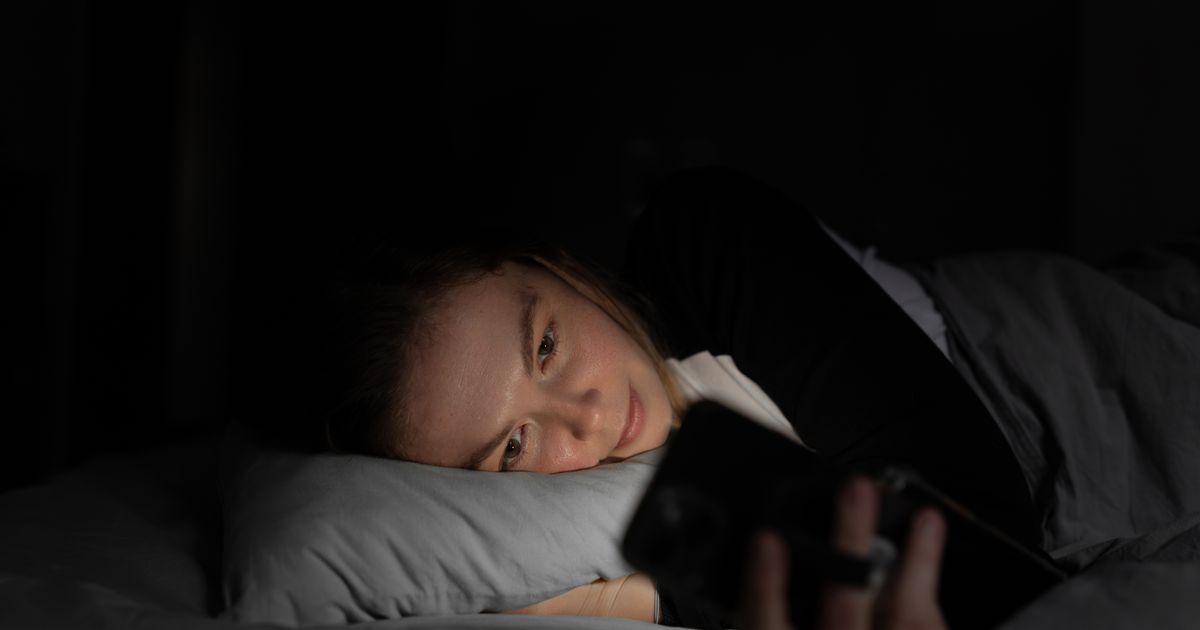
If you toss and turn every night while staring at a screen, you're not alone, but your iPhone might be directly worsening the situation. The blue light emitted by modern screens suppresses the production of melatonin, the hormone responsible for regulating sleep, causing the brain to feel awake even when you're exhausted. Fortunately, Apple has built in several powerful tools that can drastically reduce this negative impact if you know how to set them up properly.
TL;DR
- Blue light from screens inhibits melatonin, making it harder to sleep.
- Activate Night Shift and set screen brightness below 50% in the dark.
- Use 'Reduce Loud Sounds' to manage audio disruptions.
- AirPods Pro 2 users can utilize 'Pause Media When Falling Asleep'.
- Sleep Focus mode, synced with the Health app, blocks non-essential notifications and calls.