tech
March 6, 2026
How to Turn On Both TV and Cable Receiver with One Remote? A Trick Few People Know
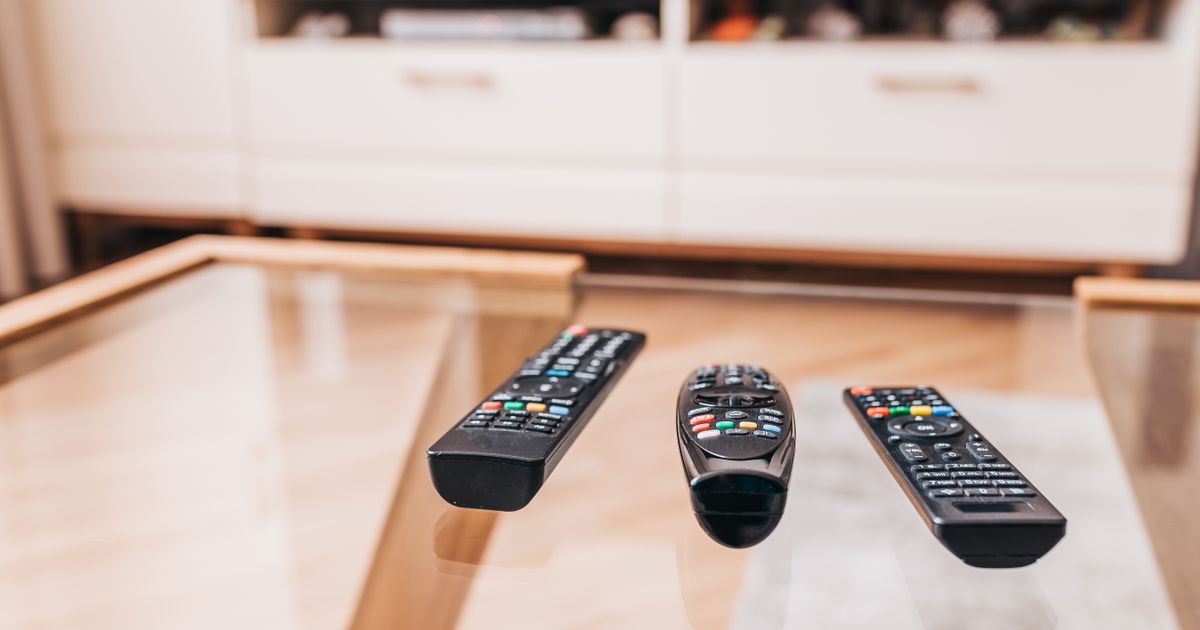
Most users in Serbia use a separate remote for the TV and another for the cable receiver like EON, Iris, or Supernova. Few know that almost every modern TV has a hidden feature allowing you to control both devices simultaneously with a single remote. This technology is professionally called HDMI-CEC, and activating it takes just a few seconds in your device's settings.
TL;DR
- Many users in Serbia use separate remotes for their TV and cable receivers (EON, Iris, Supernova).
- Modern TVs often have a hidden HDMI-CEC function to control both devices with one remote.
- Activation is quick and done through the TV's settings menu.
- Manufacturers use different names for this feature: CEC (Hisense), Link/HDMI Device Control (Vox, Tesla, Fox), Anynet+ (Samsung), SimpLink (LG), Bravia Sync (Sony).
- For HDMI-CEC to work, the cable receiver must be connected to the TV via a functional HDMI cable.
- Once activated, turning on the receiver automatically displays the picture on the TV, and the receiver's remote can control the TV's volume.
- If the function doesn't work, check if the HDMI cable is in the HDMI 1 port, and some older receivers might require additional confirmation in their settings.