tech
February 23, 2026
The iPhone Mystery No One Understands: Why Can't You Always Decline a Call?
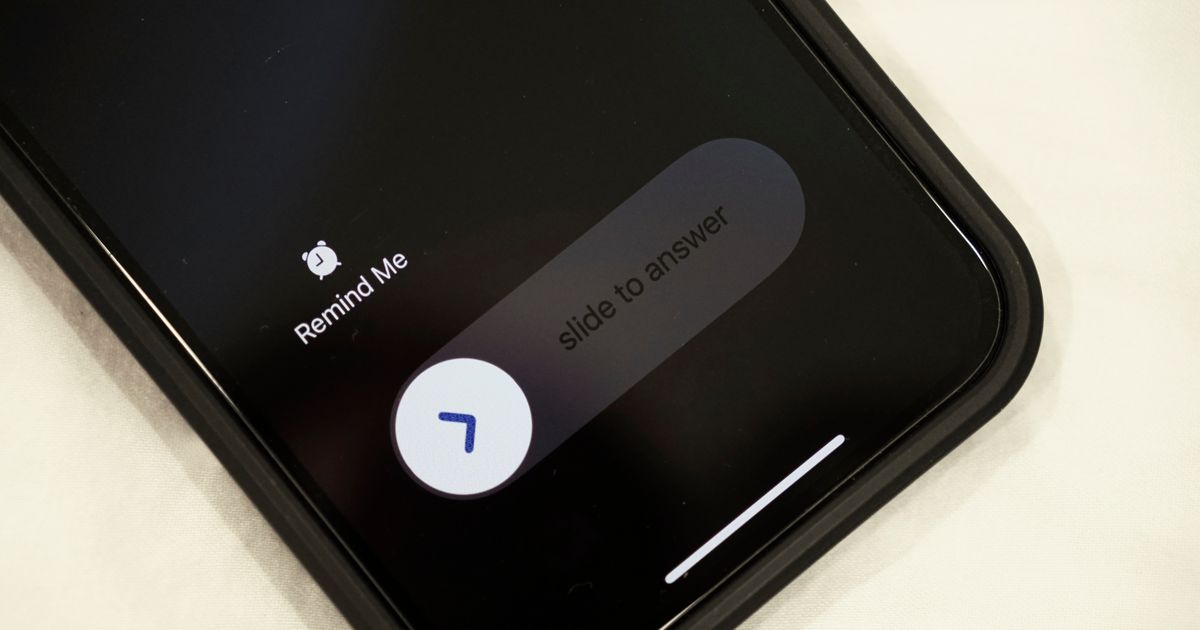
Many iPhone users have been confused for years by the fact that sometimes their screen shows green and red buttons to accept or decline a call, while in other situations only the slide to answer option is offered. Although this seems like a random system error, it is a deliberately designed solution by Apple that actually works in your favor.
TL;DR
- The iPhone call screen displays either green/red buttons or a slide-to-answer option based on whether the phone is locked or unlocked.
- On a locked iPhone, the slide-to-answer feature prevents accidental call acceptance or rejection.
- To decline a call on a locked screen, press the side (power) button twice quickly.
- To silence a ringing or vibrating call without declining it, press the side (power) button once.
- This system, introduced with iOS 6, aims to prevent 'pocket calls' and has been adopted by some Android manufacturers.
- Using the side button for call management is presented as a faster and more natural method, even without looking at the screen.